Senthora press kit
Senthora is an AI language tutor you talk to out loud: it listens, answers in a natural voice and corrects you as you go.
Last updated 9 November 2026 · Press contact support@senthora.ai
Or just: fact sheet (PDF) · logos (ZIP) · screens (ZIP, 11 MB) · call clip (MP4)
Key facts
At a glance. Also as a one-page PDF or plain text.
6 languages
Spanish, English, French, German, Italian and Portuguese. Russian coming soon
15 min
of real conversation a day, plus 10 min of pronunciation practice
7 days
free trial for new subscribers
16+
the minimum age, checked before the first call
iOS · Android
iPhone and iPad with iOS 15.1+, Android 7.0+
May 2026
launched on the App Store and Google Play
All facts: features, privacy, technology and more
| Product | Senthora, a voice-first AI language tutor app |
|---|---|
| Platforms | iPhone and iPad with iOS 15.1 or later (App Store), and Android 7.0 or later (Google Play) |
| Launched | May 2026 |
| Languages | Spanish, English, French, German, Italian, Portuguese. Russian is coming soon |
| Levels | Complete beginner, beginner, elementary, intermediate, advanced |
| Ways to practice | Live voice call or text chat with an AI tutor, plus role-play scenarios started from the home screen |
| Personalization | Native language and the language to practice, learning goal (such as travel, career or family), favorite topics, 4 tutor speaking styles (Friendly & Encouraging, Adaptive & Challenging, Professional & Structured, Casual & Fun) and 3 speaking speeds (normal, relaxed, slow). The tutor remembers what was practiced last time |
| After each call | A summary of the learner's own sentences, corrected, with the grammar rule behind each fix, and the new words from the conversation with audio |
| Pronunciation | The learner reads a short paragraph aloud; the app marks the exact words to work on, or shows ✓ Correct |
| Themes | Dark mode and light mode |
| Progress | Words learned, minutes practiced and days practiced, shown on the learner's profile |
| Privacy and safety | For ages 16 and over, checked once before the first voice call (the date of birth is not stored). Two separate voice permissions, both off by default. Audio is not stored and not used to train AI models. Learners can report any tutor reply from inside the conversation |
| Daily practice | 15 minutes of voice conversation and 10 minutes of pronunciation practice a day; extra minutes can be added |
| Price | 7-day free trial for new subscribers, then a monthly, multi-month or yearly subscription. Current prices are shown in the App Store and Google Play listings |
| Technology | Live audio by LiveKit, speech-to-text by AssemblyAI, the tutor's replies by an OpenAI model, the tutor's voice by ElevenLabs, and pronunciation assessment by Microsoft Azure Speech. The app and the privacy policy list the same companies |
| Company | Intersolution Trade OOD, Sofia, Bulgaria |
| Website | senthora.ai |
| Press contact | support@senthora.ai |
About Senthora
Pick a length and copy it into your piece.
Senthora is an AI language tutor you talk to out loud: it listens, answers in a natural voice and corrects you as you go.
Senthora is a voice-first AI language tutor for iPhone and Android. Learners hold real spoken conversations with an AI tutor in Spanish, English, French, German, Italian or Portuguese. The tutor answers in a natural voice and corrects mistakes as the conversation goes. After each call, a summary shows the grammar fixes and new words, and a separate pronunciation practice flags the words to work on. Practice is built around 15 minutes of conversation a day.
Senthora is a voice-first AI language tutor for iPhone and Android. Instead of tapping through drills, learners talk. They choose the language they want to speak and their own native language, say why they're learning and how well they speak, pick the topics they care about, and set the tutor's speaking style and speed. Then they start a live voice call, or a text chat, with an AI tutor that listens, replies in a natural voice, adapts to their level and chosen topics, and remembers what they practiced last time.
During the call the tutor sets up real situations, from everyday small talk to job interviews and client meetings, introduces useful phrases and gives gentle corrections along the way. Afterwards, a summary shows the learner's own sentences corrected, with the grammar rule behind each fix, plus the new words from the conversation with audio. A separate pronunciation practice has the learner read a short paragraph aloud and highlights the exact words to work on.
Senthora supports Spanish, English, French, German, Italian and Portuguese, from complete beginner to advanced, with Russian coming soon. People who already speak Spanish or English can also practice in that same language to sound more polished. Practice is designed as a daily habit: 15 minutes of conversation and 10 minutes of pronunciation practice a day, with extra minutes available. The tutor's voice is AI-generated, and Senthora is for people aged 16 and over. New subscribers can try it free for 7 days. Senthora is made by Intersolution Trade OOD, based in Sofia, Bulgaria.
Logos and screenshots
Free to use in coverage of Senthora. Click any file to download it, or get everything (ZIP, 23 MB).
Logos
PNG files. Or get all three (ZIP).
 Logo mark, purple · 1024 px, transparent
 Logo mark, white · 1024 px, transparent
 App icon · 512 px, rounded corners
Screenshots
Six real screens from the iPhone app. Get all 31 (ZIP, 11 MB) or browse them all. Swipe for more →
 Spanish call: the tutor starts
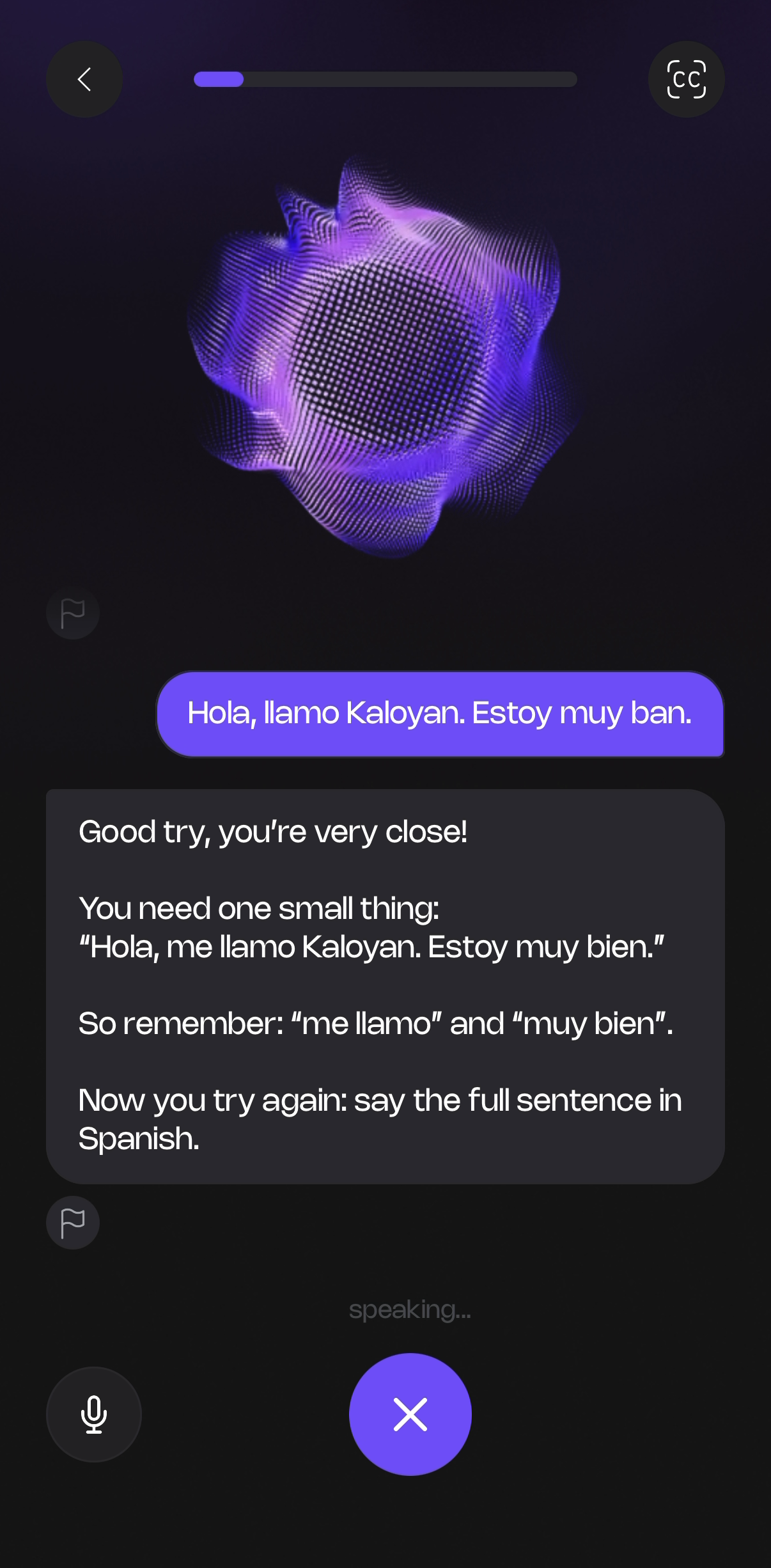 Spanish call: a gentle correction
 Summary: grammar and new words
 Pronunciation: the word to fix
 Home and role-plays
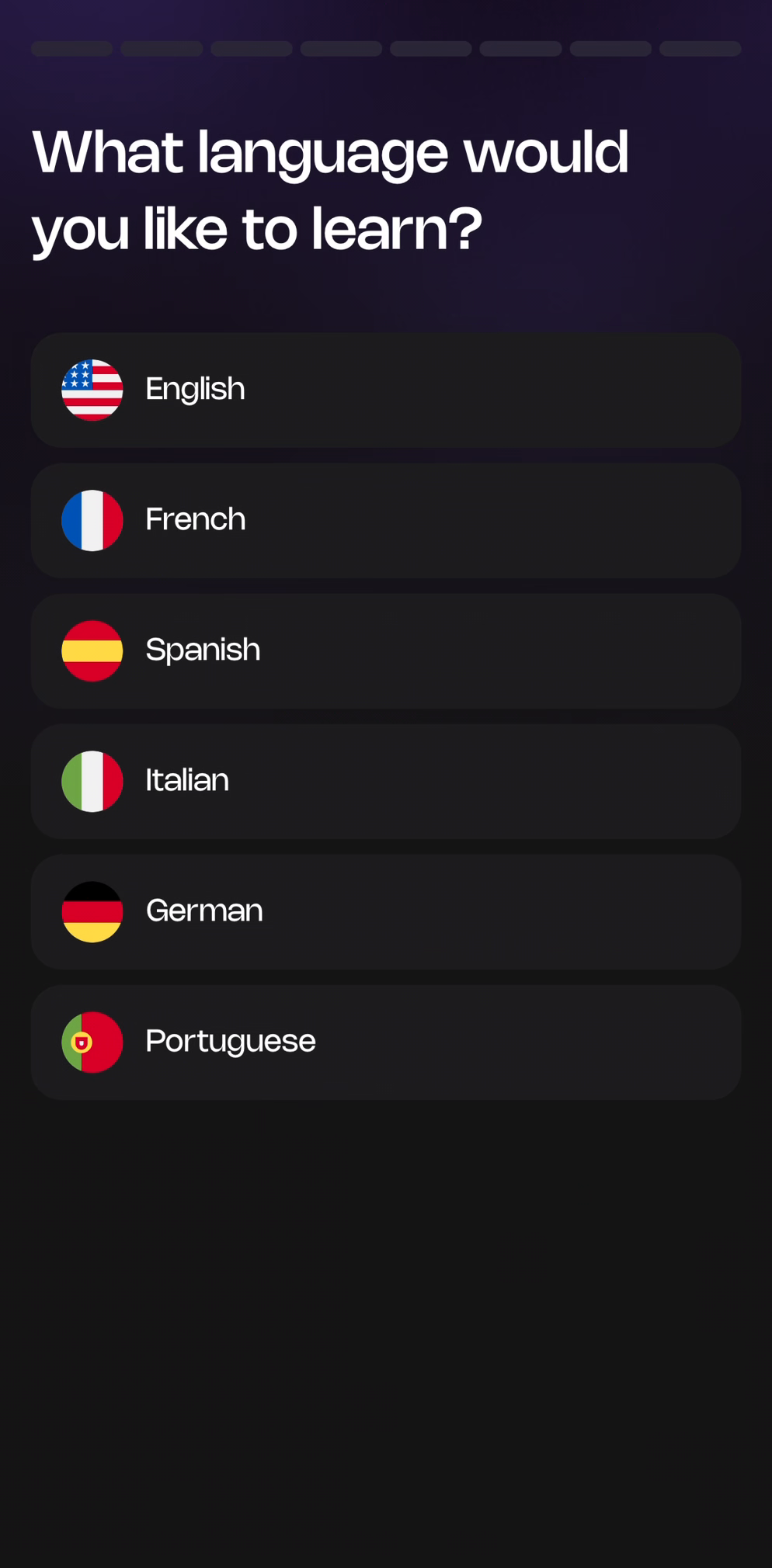 Pick a language
Brand colors, name and logo use
- Senthora purple
#7959F8 - Light purple
#9A8AFB - Deep purple
#110918 - White
#FFFFFF
From the app's design system. The logo runs from Senthora purple to light purple.
Write the name as Senthora: one word, capital S. Headings on our site and in the app use the typeface Nohemi.
Use the files as they are: no recoloring, stretching, rotating or added effects. Use the purple mark on light backgrounds and the white mark on dark or photo backgrounds, with clear space around it.
Logos and screenshots may be used in editorial coverage of Senthora. Please don't recolor or reshape the logo.
Hear a real call
A real beginner Spanish session in the app, recorded on 26 August 2026: the tutor sets up a client meeting, teaches a phrase, and the learner says it back. The voices are the AI tutor and the learner, recorded as they happened. The pauses are the app's real response time; nothing is sped up.
The learner is a member of the Senthora team.
Reviewing Senthora?
Email support@senthora.ai with your name, your publication and what you need. We reply within two working days.
Free access to review
Three months of full access on your own account, free, so you can test it the way your readers would.
A live demo
A short video call where we run a real conversation in the app, start to finish, and answer questions as we go.
How it works, in plain words
Clear answers on the technology: speech recognition, the AI reply, the tutor's voice and pronunciation assessment.
Screens and footage on request
Extra screenshots or a screen recording of a specific feature or language for your piece.
Story ideas
Angles we can help with. For each one we can offer a demo, screens and answers.
Years of study, still frozen
Many learners can read and pass tests, then go quiet in a real conversation. Why speaking practice that talks back is different from drills, shown live in a demo call. Our guide on the freeze.
Heritage speakers and the Spanish they grew up with
Many people in the US understand Spanish from family but feel unsure speaking it. Senthora lets someone who already speaks Spanish practice in Spanish, to sound more confident instead of starting from "hola".
What's inside an AI voice tutor
Five companies' technology works together in every call: live audio, speech-to-text, an AI reply, a synthetic voice and pronunciation assessment. How they fit together, in plain words, and what happens to the learner's voice.
Why 15 minutes a day
Senthora is built around short daily conversations rather than long sessions. Why the app is designed for a daily habit, and what a typical 15 minutes looks like.
Questions journalists ask
Short answers you can quote. Tap a question to open it. If something isn't covered, email us.
01What is Senthora?
Senthora is a voice-first AI language tutor for iPhone and Android. You talk to it out loud, it answers in a natural voice and corrects you as you go.
02How does a call work?
The learner taps Start Now and picks a voice call or a text chat. The AI tutor opens the conversation at the learner's level, asks follow-up questions and sets up role-plays. Speech is turned into text, the tutor's reply is written by an AI model and spoken in a natural AI voice. When the call ends, the learner gets a summary of grammar fixes and new words.
03Who is it for?
Anyone aged 16 or over who wants to speak a language, not just study it. That includes complete beginners saying their first words, learners who understand a lot but freeze in a real conversation, and people who already speak Spanish or English and want to sound more polished. People use it to get ready for a trip, to speak with confidence at work, or to talk with family and friends.
04Is the tutor a real person?
No. The tutor is an AI, and its voice is AI-generated.
05Which languages are available?
Spanish, English, French, German, Italian and Portuguese, from complete beginner to advanced. Russian is coming soon.
06Is there a daily limit?
Yes: each day includes 15 minutes of conversation and 10 minutes of pronunciation practice, which keeps practice a daily habit. Learners who want more can add extra minutes.
07What does it cost?
New subscribers get a 7-day free trial. After that, Senthora is a monthly, multi-month or yearly subscription. Current prices are in the App Store and Google Play listings.
08What happens to the learner's voice?
Senthora does not store audio and does not create a voiceprint. The live audio is processed only to run the session: to turn speech into text and to assess pronunciation. Conversations and voice recordings are not used to train AI models. Learners give two separate permissions before their first voice call, and can withdraw them in Settings. Details are in the privacy policy. Read the privacy policy.
09When did it launch, and who makes it?
Senthora launched on the App Store and Google Play in May 2026. It is made by Intersolution Trade OOD, based in Sofia, Bulgaria.
All app screens
22 real screens from the iPhone app, captured between August and October 2026 (PNG, about 1200 × 2450), plus nine from the app design files, marked "App design". Click any screen to download the full size, or get all 31 screens (ZIP, 11 MB).
Getting started
Learners choose a language, say why they're learning, set their level and topics, and pick how the tutor should sound. The home screen offers a free conversation or a role-play. Swipe for more →
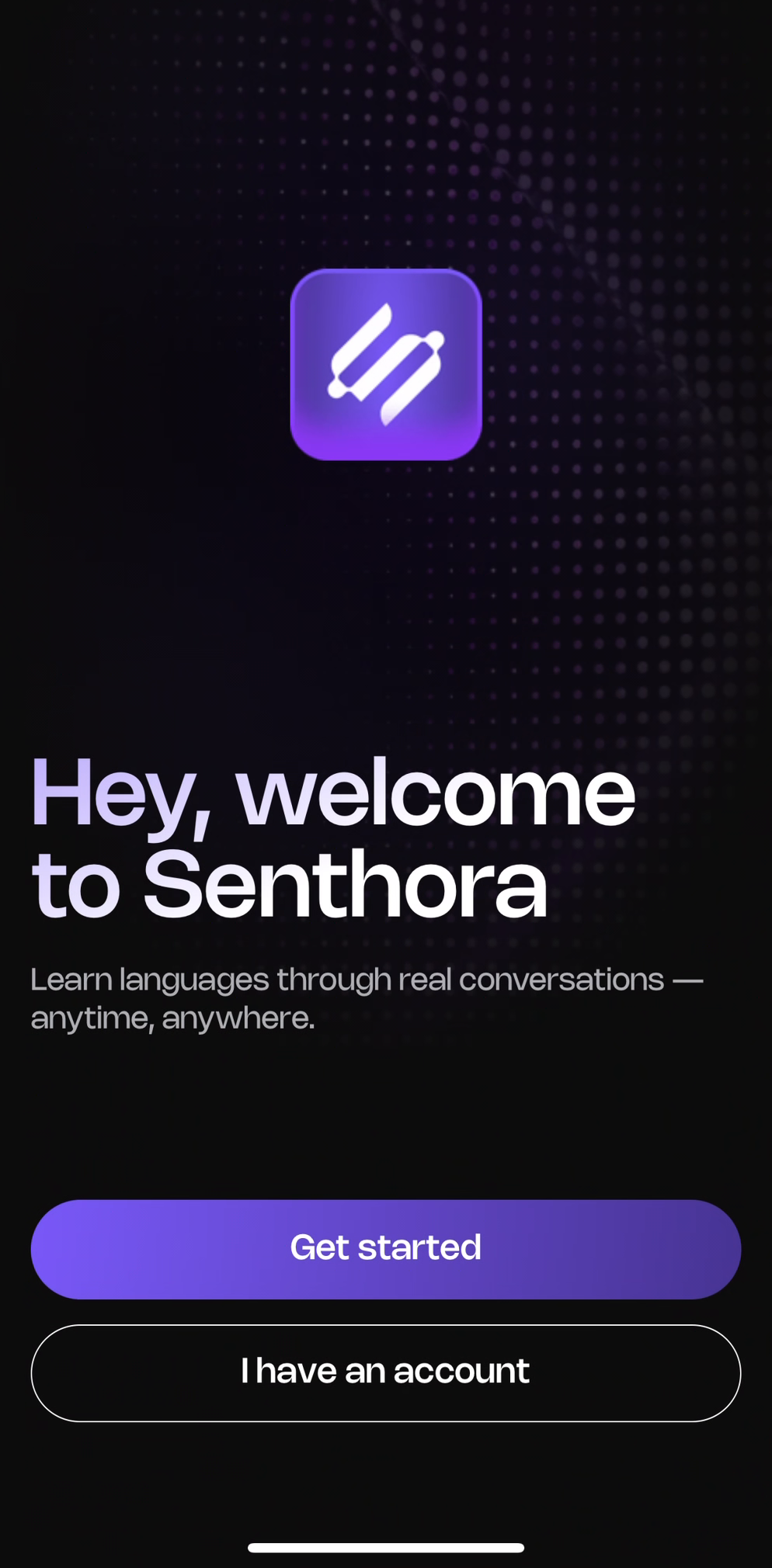 Welcome
Pick a language
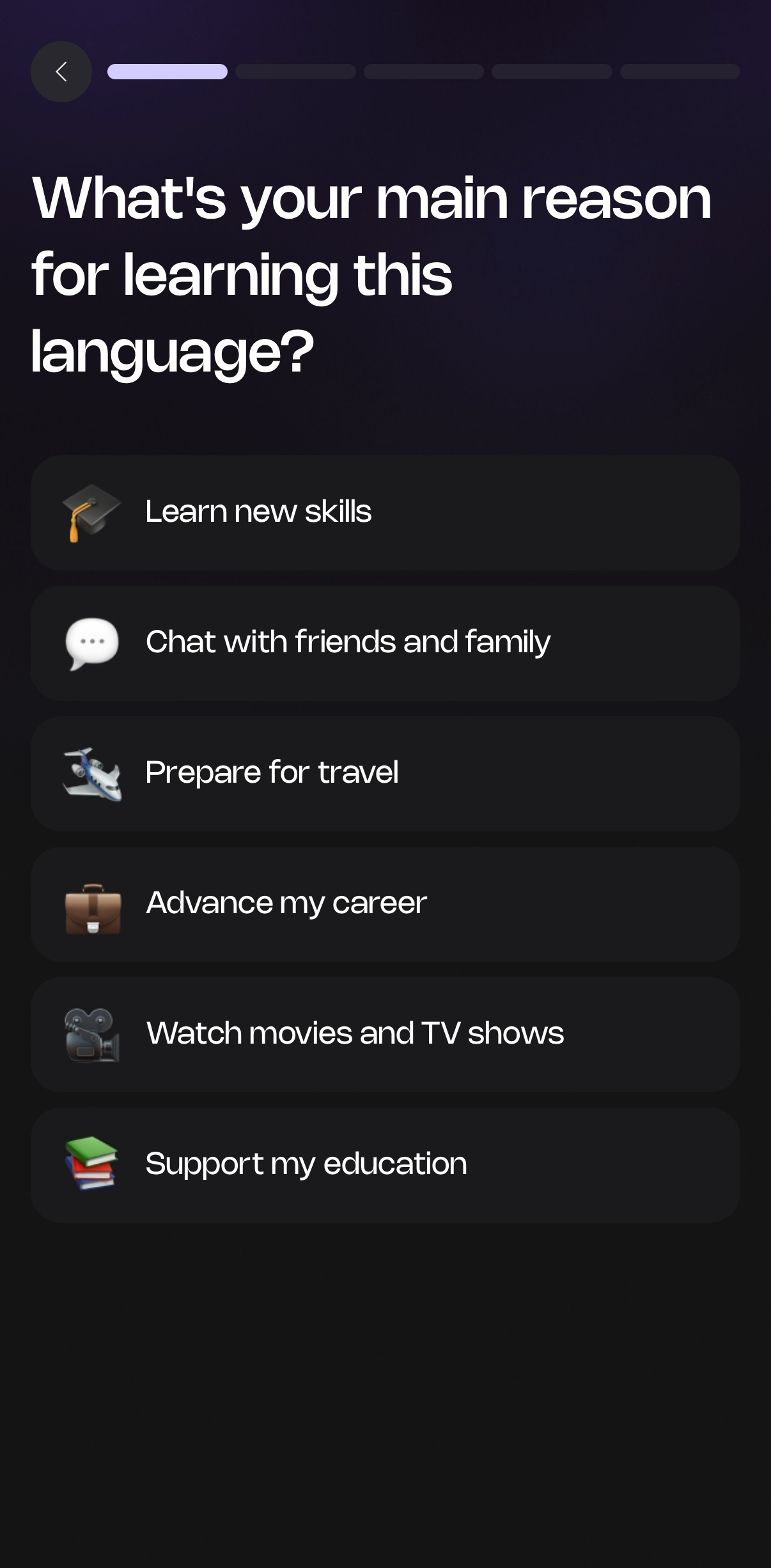 Why you're learning
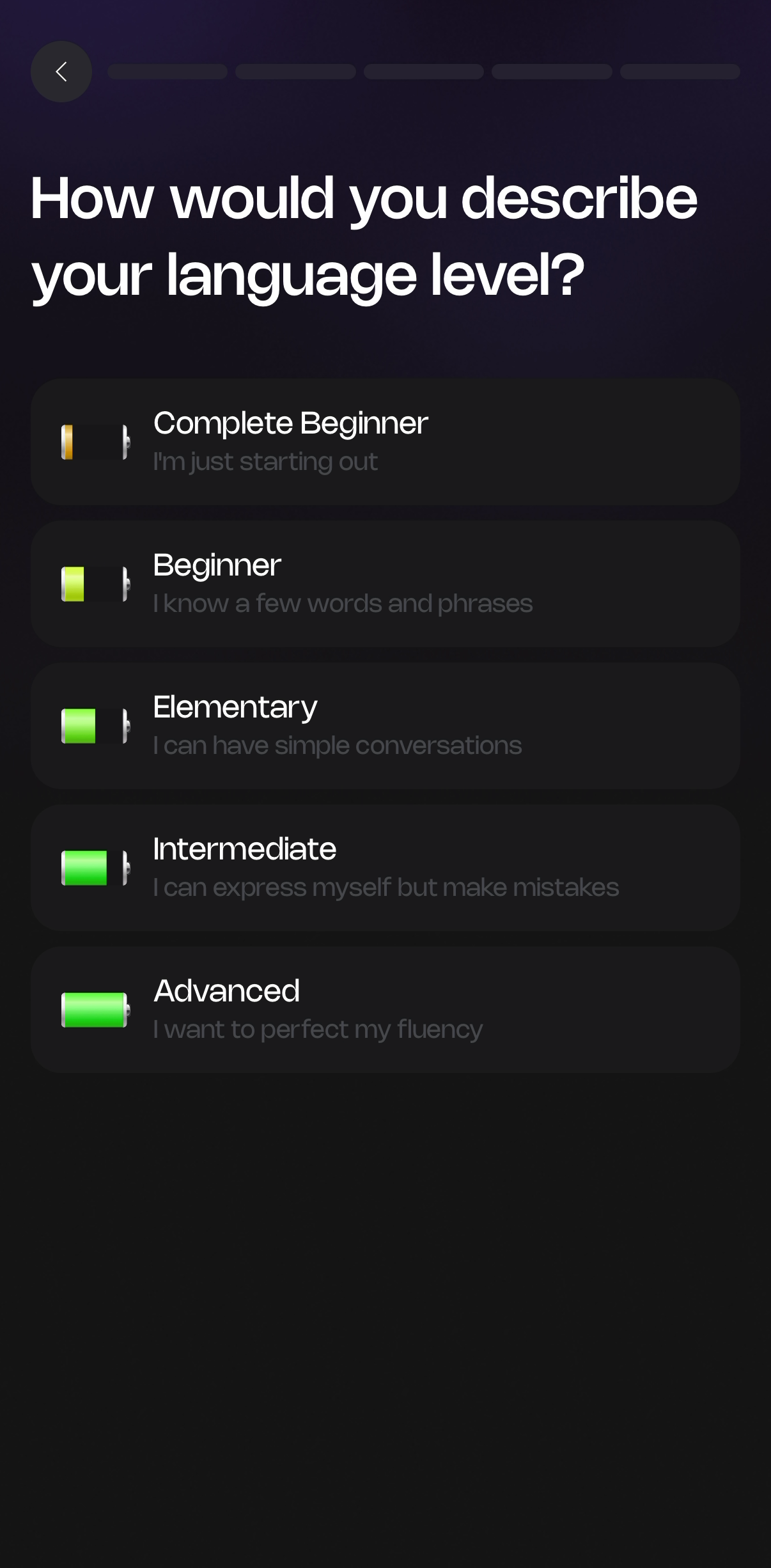 Your level
 Topics you care about
 Tutor speaking style
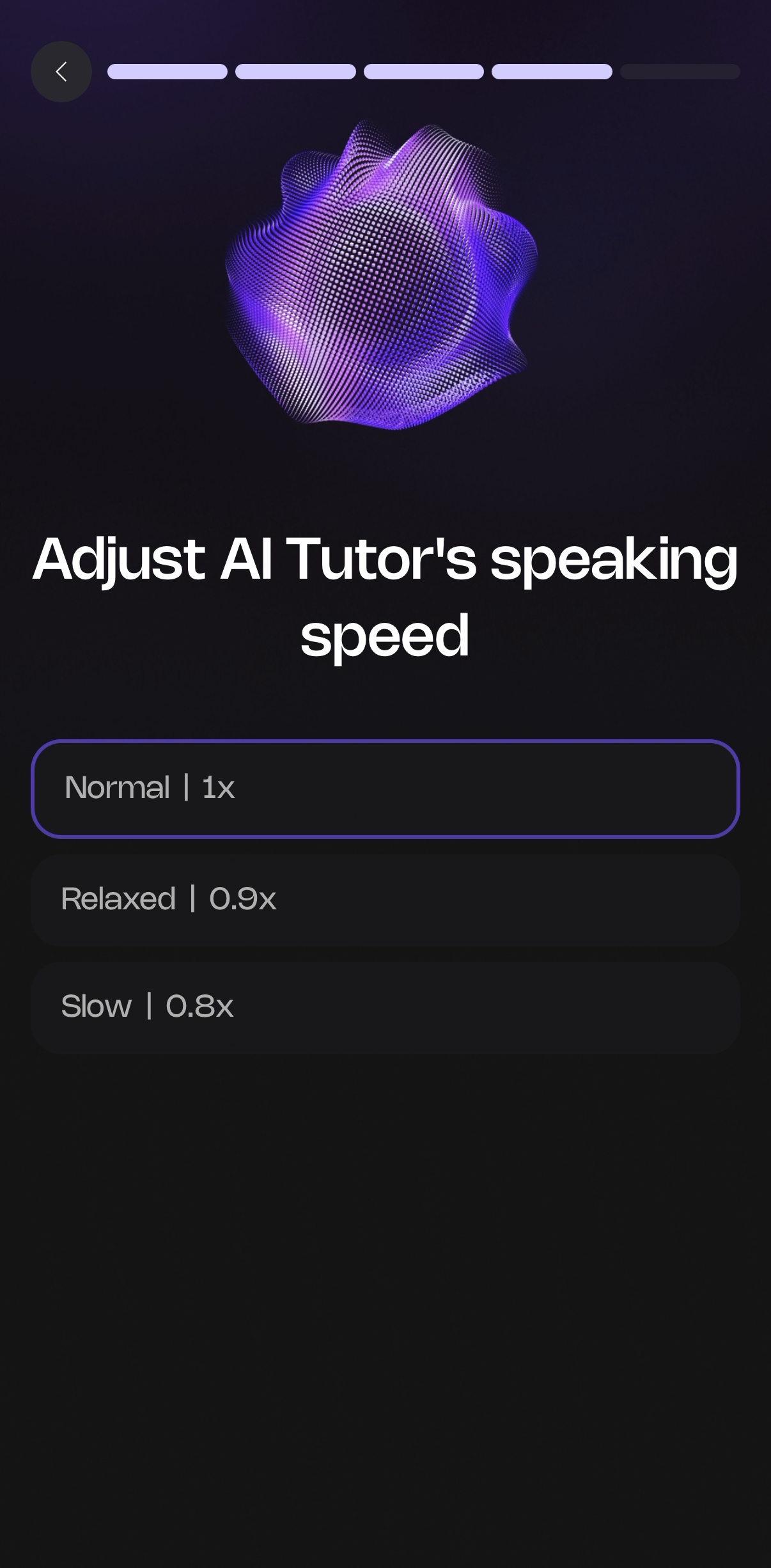 Tutor speaking speed
Home and role-plays
The conversation
A live voice call (or text chat) with the AI tutor. The glowing orb is the tutor; replies appear as cards and the learner's answers as purple bubbles. Shown here: a beginner Spanish call. Swipe for more →
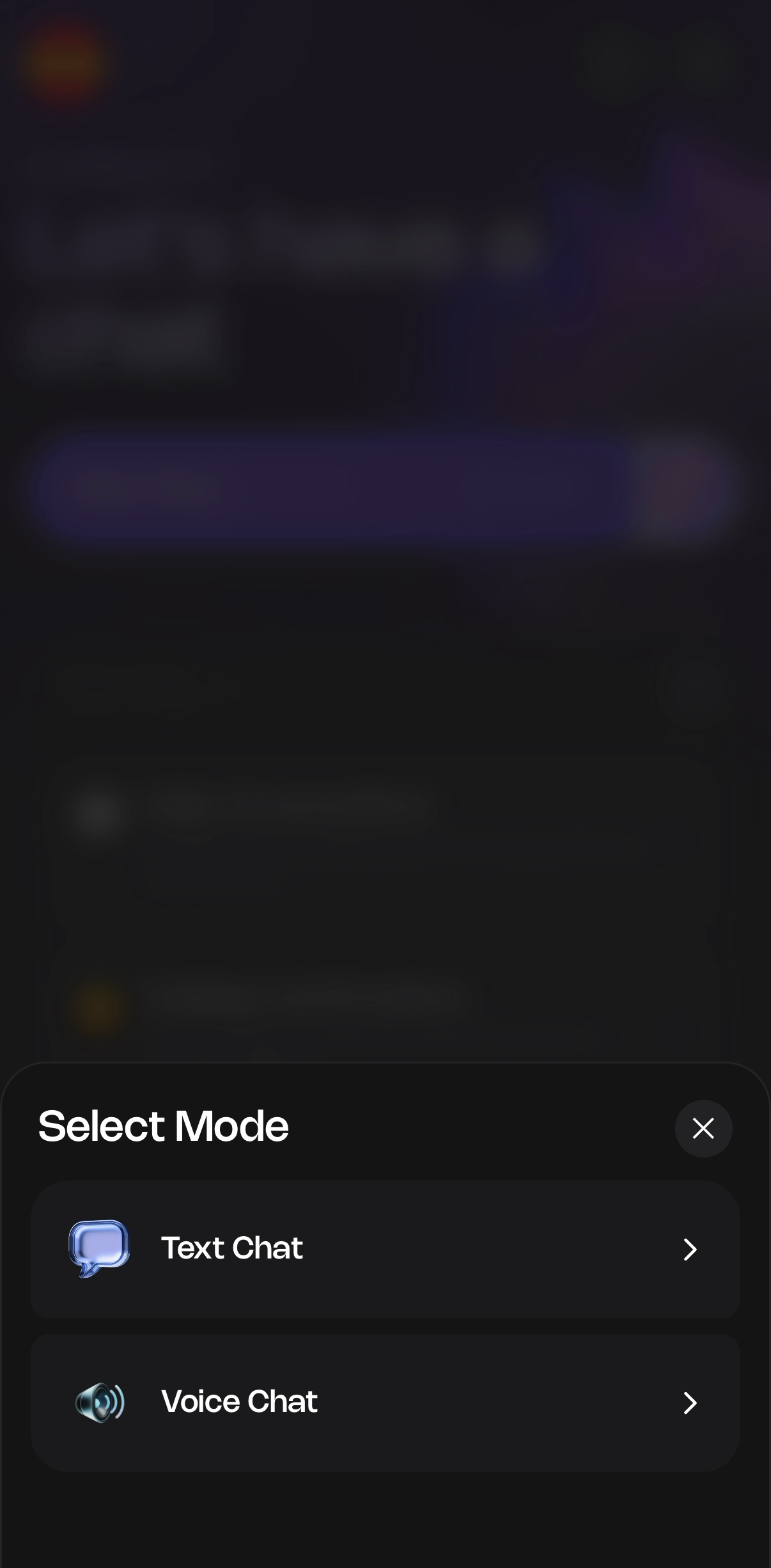 Voice or text chat
Spanish call: the tutor starts
 Spanish call: a work role-play
Spanish call: a gentle correction
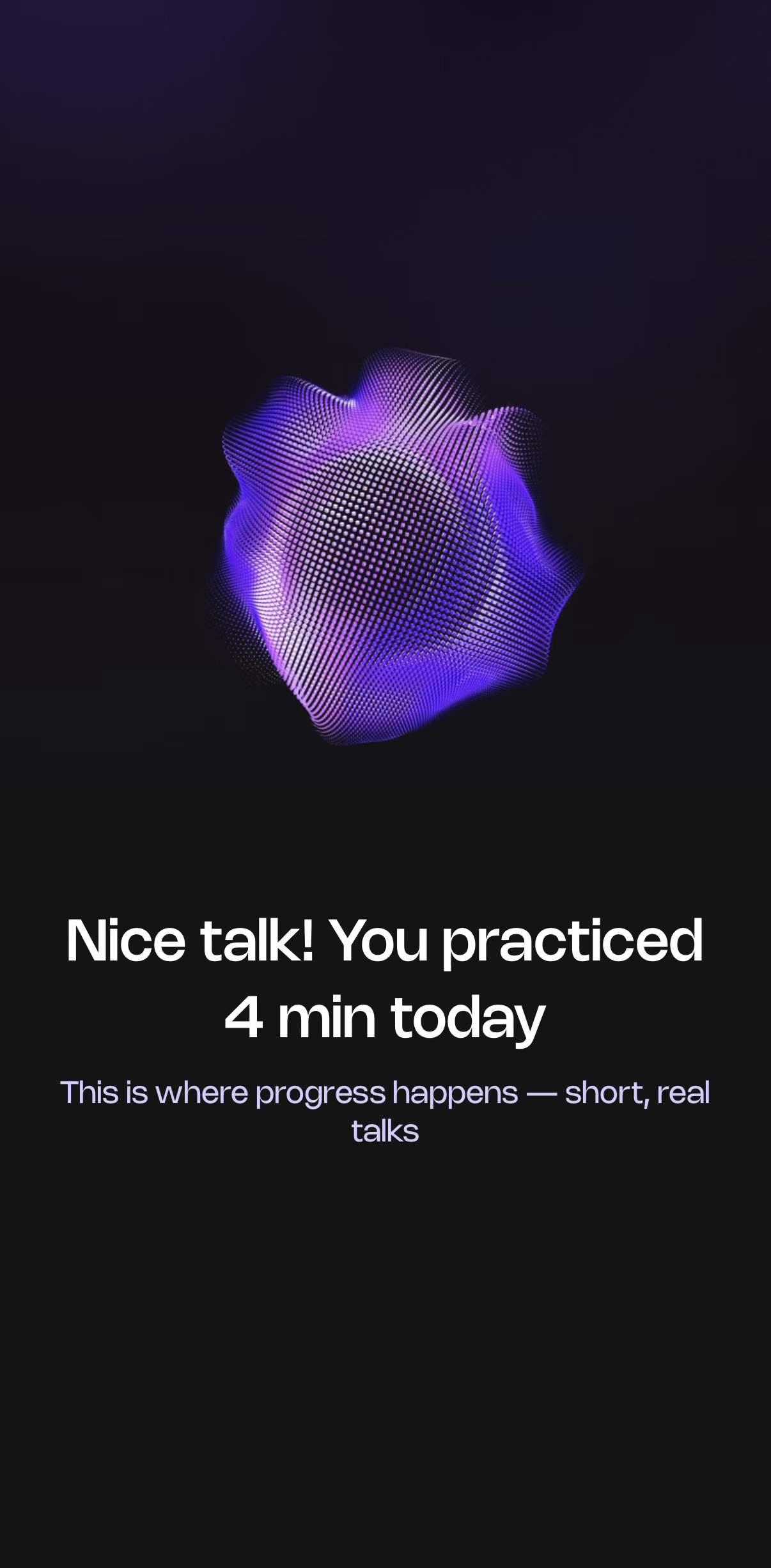 End of a call
After the call
Every call ends with a summary: the learner's own sentences corrected with the rule behind each fix, and the new words with audio. Pronunciation practice marks the exact words to work on. Swipe for more →
 Pronunciation: ✓ Correct
Close-ups of the same summary, at full resolution: a grammar fix with the rule explained, and the new words from the call, each with audio and a save button.
 Close-up: grammar fix and the rule behind it
 Close-up: new words with audio
Grammar and vocabulary in detail App design
These five come from Senthora's app design files rather than a phone capture. The app follows this design; small details such as spacing or sample words may differ on a phone. Swipe for more →
 Grammar: every fix from a call
 Grammar: one fix, explained
 Vocabulary: new words with translation
 Tap a word during a call
 Translate the whole message
Dark and light mode App design
The app comes in a dark and a light theme. The same two screens in each, from the app design files. Swipe for more →
 Home, dark
 Home, light
 Summary, dark
 Summary, light
Privacy and safety
Before the first voice call, the app checks the learner is 16 or over (the date of birth is not stored), explains in plain words who handles their voice, and asks for two separate permissions, both off until the learner ticks them. It also asks learners not to share sensitive details. Swipe for more →
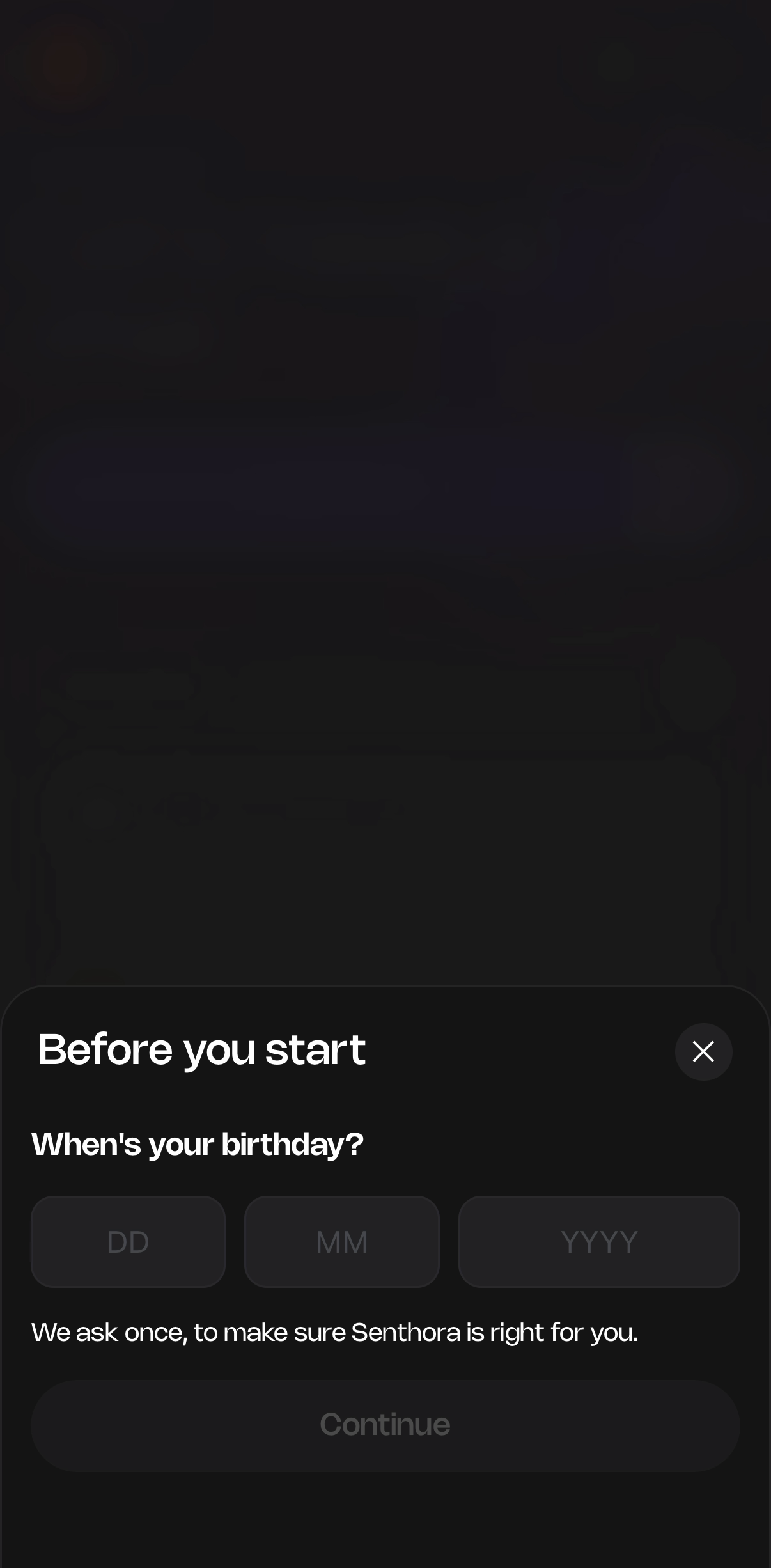 Age check before the first call
 Who hears your voice
 Two permissions, both off by default
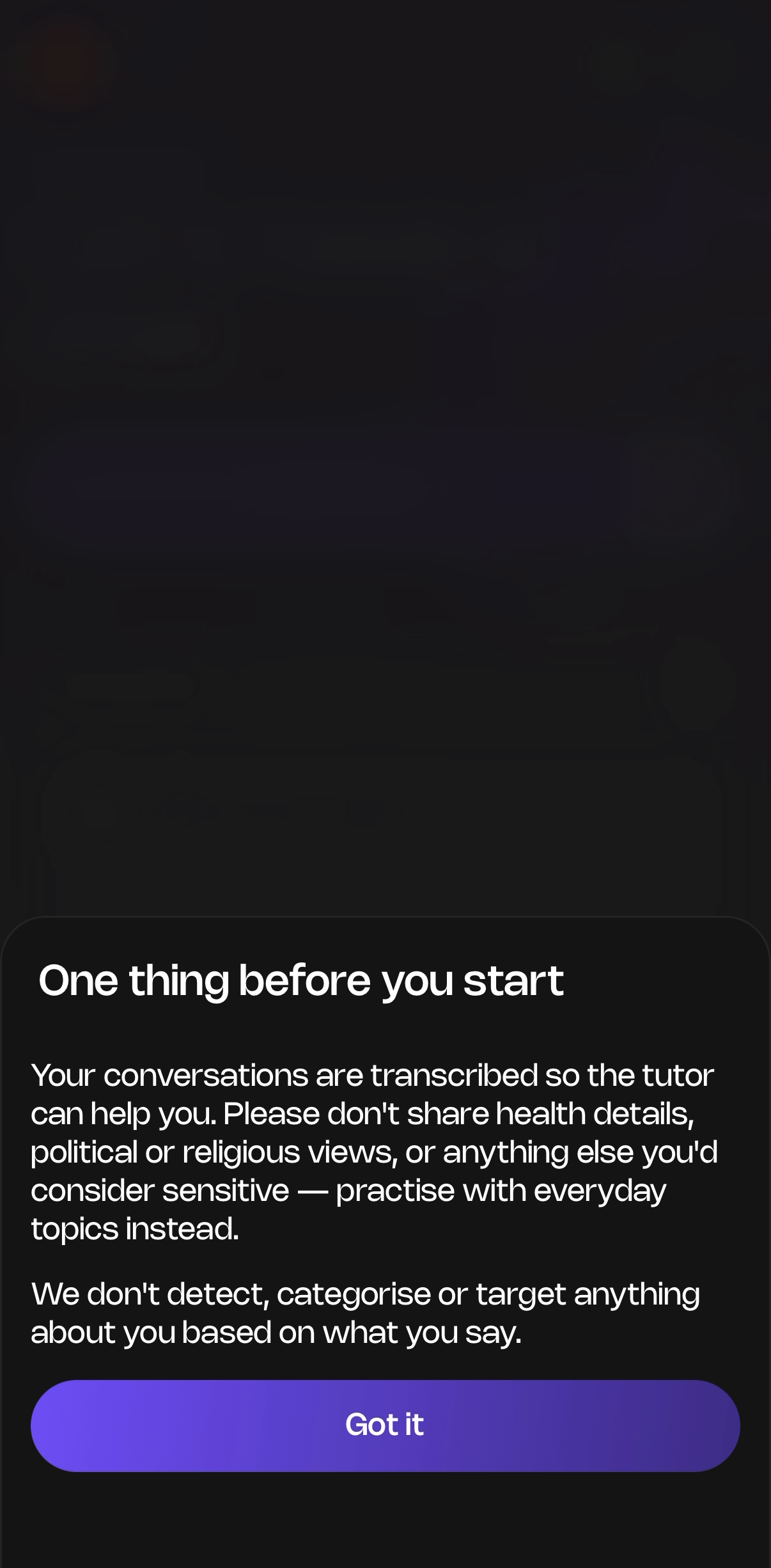 A note on sensitive topics